A materials library gives designers faster, better-sourced projects
By Faura ·

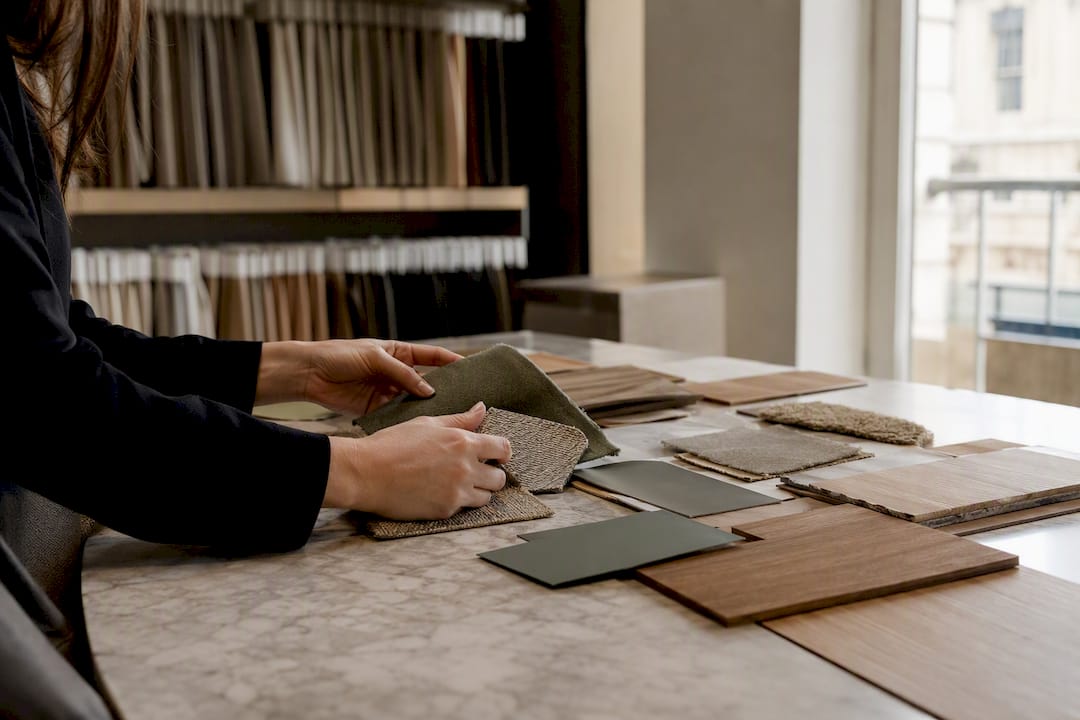
A materials library performs three jobs at once: it lets you handle and compare samples physically, it holds the digital specification data your drawings depend on, and it connects you directly to procurement. Set one up properly and sourcing time drops sharply on every subsequent project. The single action to take today is to build a central catalogue, even a simple spreadsheet, and assemble one strong sample box you can bring to client meetings.
- Physical discovery: touch, light, and finish comparison in the room
- Digital specification: linked records for Revit, Blender, and drawings
- Procurement: supplier contact, lead times, and reorder links
Pro Tip: Start with 30 to 40 samples across your five most-used categories rather than trying to stock everything at once. A tight, well-labelled starter set beats a sprawling, half-catalogued one.
Key Takeaways
A well-run materials library combines governed physical samples, version-controlled digital records, and a direct line to procurement to cut sourcing time on every project.
| Point | Details |
|---|---|
| Start with a catalogue | Build a spreadsheet or simple CMS before expanding physical stock, so nothing gets added without a digital record. |
| Use a naming convention | Adopt prefixes like “m_” for materials and “a_” for assets to keep files consistent across software. |
| Lock and update Revit libraries | Copy revised materials back into the shared .adsklib file at project closeout to avoid version drift. |
| Track samples with QR codes | Link each physical sample to supplier contact, lead time, and reorder details for faster procurement. |
| Use a trade showroom for scale | Faura’s Westminster showroom pairs a library of over 200 brands with procurement support for designers needing more than an in-house shelf. |
Table of Contents
- What does an interior design materials library actually do?
- How do you organise a physical materials library?
- How do you build and manage a digital materials library?
- How does procurement and sample logistics work in practice?
- How do you curate a sustainable materials collection?
- How do designers use a materials library on a live project?
- How does Faura’s showroom apply these principles?
- How do you train a team to use and contribute to the library?
- What conventional advice on materials libraries gets wrong
- Faura trade showroom: membership and how to start
- Frequently asked questions
- Sources
What does an interior design materials library actually do?
An interior design materials library is not one fixed thing. It takes three common forms, and each earns its place at a different stage of a project.
Trade showrooms bring together dozens of brands under one roof, so you can compare a stone worktop against three competitors in the same light, then walk straight into a procurement conversation. Studio libraries are your own curated shelf, built around the materials you specify most often and organised your way. Manufacturer and brand libraries, such as MillerKnoll’s online materials library, sit somewhere between a catalogue and a database, listing textiles and finishes with downloadable technical data.
Each format supports a different point in the project lifecycle:
- Concept stage: studio library and trade showroom for fast comparison
- Specification: brand libraries for technical data and colourways
- Procurement: showroom relationships and platform ordering
- Client sign-off: physical samples in hand, backed by a digital record
Large sampling platforms illustrate the scale this category has reached. Green Lab’s material lab is a different model: an open-access London collection of experimental and production-ready bio-based materials.
How do you organise a physical materials library?
A physical library only earns its keep if you can find what you need in under a minute. That starts with a category scheme that reflects how you actually search, not how a supplier catalogues their own range.
Most studios do well with a layered structure:
- Material type first — stone, timber, textile, metal, paint and coatings, tile.
- Application second — flooring, wall finish, joinery, upholstery, exterior.
- Performance tags third — fire rating, slip resistance, wet-area suitability.
- Sustainability tags fourth — recycled content, bio-based, low embodied carbon.
Labelling matters as much as categorisation. Every sample should carry the supplier name, product code, size or batch, finish variant, and ideally a QR code linking to its digital record, including lead time and price band. Without that link, a beautiful sample box becomes a guessing game the moment a client asks “how soon can we get this?”
Maintenance is the part most studios let slide. Run a monthly inventory check against your catalogue, flag anything cracked, faded, or missing, and keep a standing reorder list with suppliers you contact regularly. A damaged veneer sample left on the shelf for six months does more reputational damage in a client meeting than an empty slot ever will.
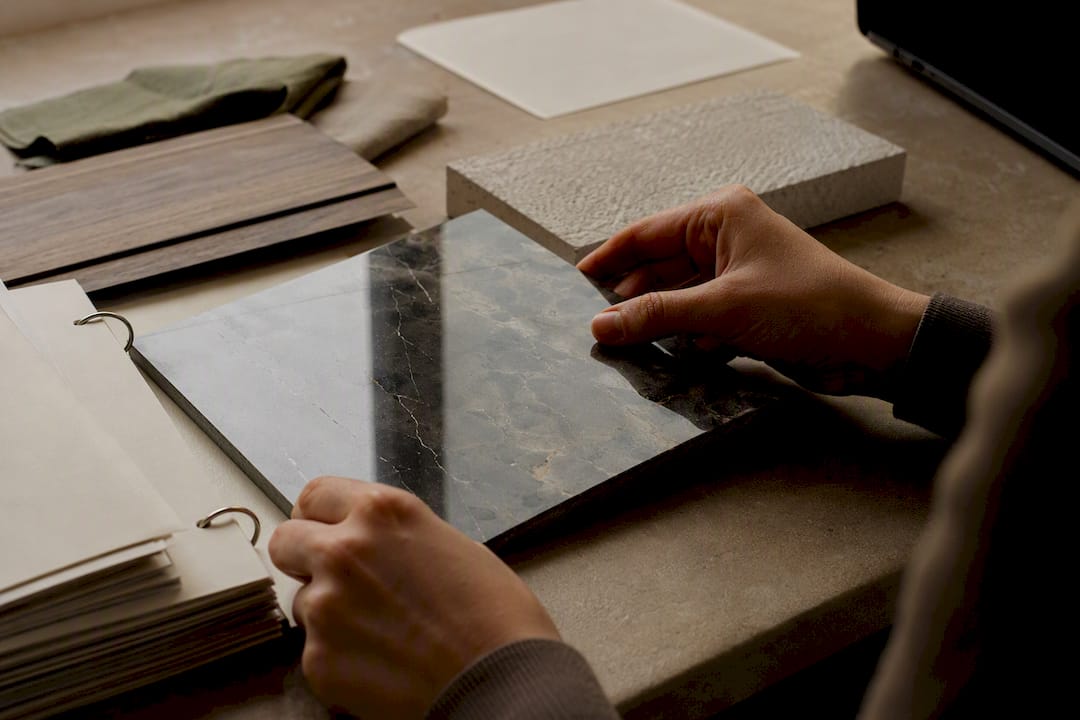
Pro Tip: Photograph every sample under consistent lighting the day it arrives. That single image, stored against the digital record, saves you re-photographing later for a moodboard or spec sheet.
How do you build and manage a digital materials library?
Digital chaos is the most common failure mode here, and it is entirely avoidable with a naming convention agreed before anyone uploads a single file. A prefix system, such as “m_” for materials and “a_” for assets, keeps exports readable across software and prevents duplicate files with slightly different names creeping into shared folders.
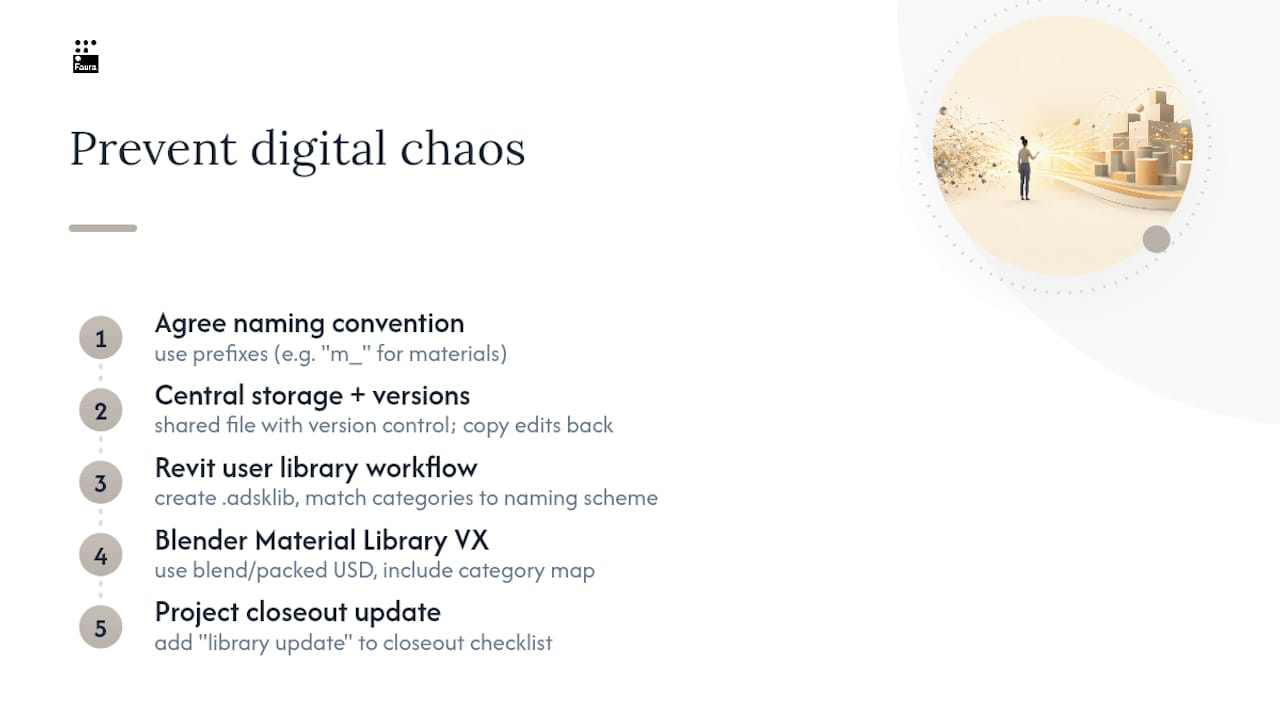
Central storage with version control is non-negotiable once more than one person touches the library. Whoever edits a material property last should copy that change back to the shared file immediately, not leave it sitting in a personal working copy.
For Revit users, Autodesk’s own guidance sets out the workflow clearly: create a custom user library saved as a .adsklib file, organise it into categories that match your practice’s naming scheme, and lock the library once it is finalised for a project phase. When a material needs updating, the change has to be copied back into the user library manually, otherwise the update only exists in that one model. Practitioners who add a “library update” line to their project closeout checklist avoid the drift that happens when three designers end up specifying three slightly different versions of what should be the same oak veneer.
Blender-based visualisation teams face a similar challenge with render assets. The Material Library VX add-on uses a blend file as a shared database, letting you organise materials into categories and apply them consistently across projects and render engines. If you exchange assets externally, packing a small USD file or blend with fake users set, plus a clear category map, stops node references and texture paths breaking when a collaborator opens it on a different machine.
How does procurement and sample logistics work in practice?
Ordering samples efficiently is a logistics problem as much as a design one, and treating it that way saves real time on tight programmes.
- Order early and in parallel. Request samples from multiple suppliers the same day you shortlist a category, rather than sequentially.
- Track everything by QR code. Scan-to-track systems flag which samples are out with a client, which are due for reorder, and which lead times are creeping.
- Budget for high-cost items separately. Stone slabs and bespoke joinery samples often carry a fee; factor that into early-stage costing rather than discovering it mid-project.
- Keep a direct line to manufacturer reps. A named contact who knows your account moves a rush order faster than a general enquiries inbox ever will.
Fast delivery is now a genuine differentiator. Material Bank built its model around aggregating hundreds of brands with fast sample delivery and direct access to brand representatives.
How do you curate a sustainable materials collection?
Sustainability claims are only useful when they are checkable. Tag each item in your library with the specific credential it holds, not a vague “eco-friendly” label: EPD (Environmental Product Declaration) reference number, percentage recycled content, bio-based content, or a stated carbon intensity figure per unit.
- Request the certificate or third-party test data directly from the manufacturer before adding a sustainability tag, not after
- Rotate a dedicated shelf or shelf-section for experimental and circular materials, separate from your core working stock
- Review and refresh sustainability tags annually, since certifications and formulations change
Public bio-materials labs offer a useful curatorial model here. Green Lab’s material lab runs a publicly accessible collection of experimental and production-ready bio-based materials, and studios can borrow that same rotating, research-led approach for their own in-house innovation shelf, testing emerging circular options before committing them to a live project.
How do designers use a materials library on a live project?
The library earns its value at three specific moments: concept presentation, specification, and handover.
- Build a client sample box. Six to ten curated options per category, with one clear “recommended” and two alternates, presents choice without overwhelming a client meeting.
- Convert samples into formal specification. Each chosen material needs supplier contact details, confirmed lead time, an alternate in case of stock issues, and a dated sample photograph attached to the spec document.
- Hand over a complete package to contractors. Include the sample records, matched photographs, procurement notes, and any negotiated pricing, so nothing gets re-sourced from scratch on site.
Faura’s own finishes and materials resource reflects this same logic: samples only become useful once they are tied to a specification a contractor can actually act on.
How does Faura’s showroom apply these principles?
Faura runs on the same operational logic this article sets out, at a scale most individual studios cannot match alone. The Westminster showroom holds a curated product library spanning over 200 brands, viewed by appointment so designers get proper time with each range rather than a rushed walk-through.
- Procurement, logistics and delivery are handled by one team, with trade terms confirmed directly with each approved account
- Private client hosting means the same space that supports your sourcing can host the client conversation itself
- Appointment-based access keeps the showroom focused, rather than competing with retail footfall
Independent designers can use Faura’s trade showroom alongside a smaller in-house library at their own studio: the showroom covers scale and breadth, the studio shelf covers the handful of materials specified on nearly every job.
How do you train a team to use and contribute to the library?
A materials library degrades the moment only one person understands how it works. If that person leaves or goes on leave, specification grinds to a halt while everyone else guesses at the filing logic.
Build training around three habits rather than a single induction session. First, every new team member spends their first week adding to the library, not just browsing it. Filing a sample under the agreed category scheme, writing the label fields correctly, and linking it to a digital record teaches the system far faster than reading a guide about it. Second, assign a rotating “librarian” role, changed monthly, responsible for flagging damaged samples, chasing reorders, and checking that new additions follow the naming convention. This spreads ownership instead of letting the task quietly become one person’s unpaid extra job.
Third, build contribution into project closeout as a formal step, not an afterthought. When a project wraps, whoever specified new materials should copy the final versions back into the shared library, including any updated Revit user library files, with brief notes on why a particular alternate was chosen over the original. That single habit, borrowed from the same discipline Autodesk recommends for locking and updating .adsklib files, is what stops a library from quietly falling out of date within a year of being built.
Review contributions quarterly as a team, not just individually. A ten-minute walk through recent additions catches duplicate entries and inconsistent labelling before they multiply.
What conventional advice on materials libraries gets wrong
Most guidance on this topic treats the physical library and the digital one as separate projects, tackled in sequence. That is backwards. The moment you add a sample to a shelf without also creating its digital record, complete with QR link, supplier contact, and lead time, you have created a liability rather than an asset. It sits there looking useful until someone needs it under deadline pressure, and then it costs more time than it ever saved.
The other overrated idea is breadth for its own sake. A library with thousands of unsorted samples is not more useful than one with three hundred well-tagged, well-photographed, currently-available options; it is simply slower to search. Scale matters far less than governance: naming conventions, locked user libraries, and a named person responsible for keeping records current.
If there is one priority above the rest, it is this: treat every library update as part of project closeout, not as separate admin. Studios that build this into their standard workflow, the way Autodesk’s own guidance on user libraries recommends, stop the slow drift where three designers end up specifying three slightly different versions of what should be one material.
Faura trade showroom: membership and how to start
Faura gives designers a curated London base where the materials library, procurement, and client hosting sit under one roof, so sourcing stops eating into hours you should spend designing. A trade account brings appointment-based access to over 200 brands, trade terms confirmed directly with each approved account, and space to present schemes to clients, rather than juggling separate supplier visits across the city.
A first visit can start with a walkthrough of the categories most relevant to your current projects, followed by a conversation about how procurement, logistics and delivery support could fit your workflow. If you are ready to see how a trade showroom changes your sourcing timeline, book an appointment at Faura’s trade showroom or explore membership details to get started.
Frequently asked questions
What is the difference between a physical and digital materials library? A physical library holds handleable samples for texture, colour, and light comparison. A digital library stores the specification data behind those samples, including supplier details, technical performance, and Revit or Blender assets, so the two need to stay linked rather than run separately.
How many samples should a starter materials library have? Around 30 to 40 samples across your five most-specified categories gives you a workable starting point. Expanding beyond that before your labelling and digital linking are solid tends to create more confusion than value.
Do I need separate Revit and Blender material libraries? Yes, generally. Revit user libraries handle specification-grade material data for construction documents, while Blender’s Material Library VX is built for render-consistent visualisation assets. Keeping the two synced through a shared naming convention avoids duplicated or conflicting versions.
How often should a materials library be updated? Monthly inventory checks catch damaged or missing physical samples, while digital records should be updated at every project closeout, whenever a material’s specification changes.
Is a trade showroom worth it alongside an in-house library? For most independent designers, yes. An in-house shelf covers your most frequent specifications, while a trade showroom like Faura’s adds breadth, procurement support, and client-hosting space that would be costly to replicate solo.
Sources
- Create a Material Library | Autodesk Revit help
- Material lab | GREEN LAB™
- Material Bank
- Material library — Blender Manual